Sol Divide is a fantasy-themed scrolling shooter developed by Psikyo and released for arcades in 1997. It is unique for blending traditional shoot-’em-up (shmup) mechanics with heavy emphasis on melee combat and a RPG-like magic system.
Key Features
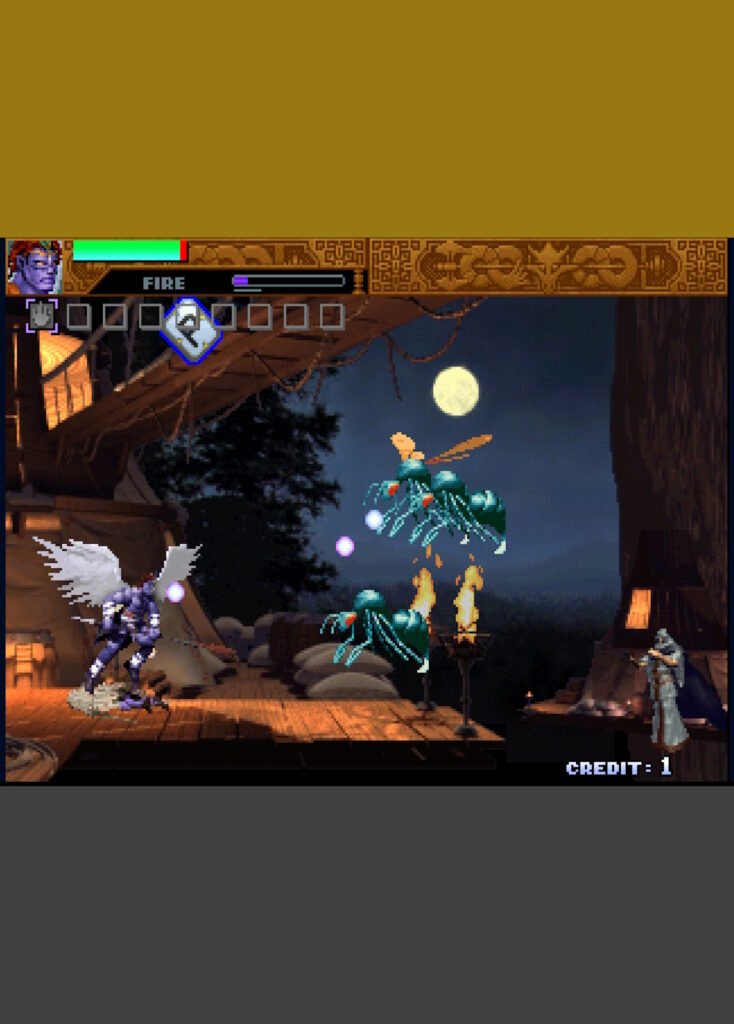
- Combat System: Unlike typical shmups, players are encouraged to use a “Slash” button for close-range hand-to-hand combat. It also features a complex magic system with spells like fire, ice, lightning, and time, activated by specific button combinations.
- Characters: You can choose from three distinct warriors:
- Vorg: A fighter with powerful melee but weak magic.
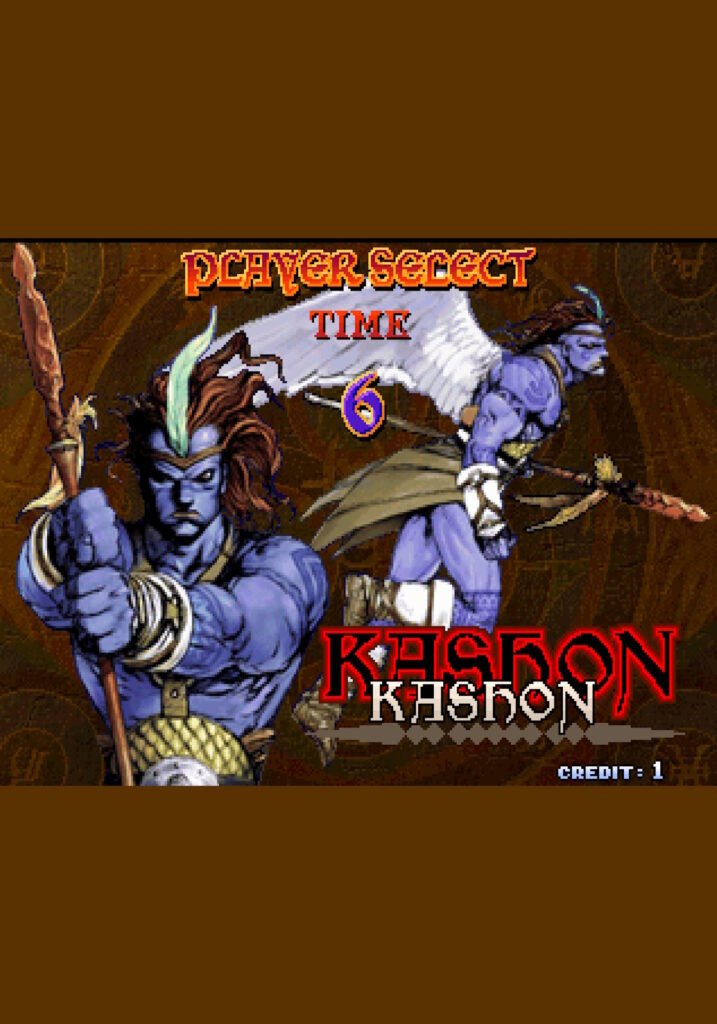
- Kashon: A balanced bird-man character.
- Tyora: A mage with high magic power but weak physical attacks.
- Visual Style: The game utilized pre-rendered 3D models (similar to Donkey Kong Country) to create a gritty, medieval aesthetic filled with dragons, demons, and undead.
The story of Sol Divide follows three warriors on a quest for vengeance and salvation after the power-hungry emperor Ifter (also referred to as the King of Satan) invades the land to become a demon. Central to the plot are the Seirei Stones (Spirit Stones) and the legendary magical sword, the Sol Divide, which Ifter currently wields.
Character Motivations
The narrative differs slightly based on which character you choose, as each has their own background and starting levels:
- Vorg: A former holy knight of the Kingdom of Miltia. He returns home after seven years to find his kingdom destroyed by Ifter’s army and now seeks brutal revenge.
- Kashon: The blue-skinned Prince of Neraphai. After his race was nearly driven to extinction by Ifter’s forces, he fights to save the survivors.
- Tyora: A centuries-old guardian wizard who appears young. She acts as the realm’s protector and seeks to stop the dark empire’s expansion.
Leave a Reply